05 WEB APP
About the brand
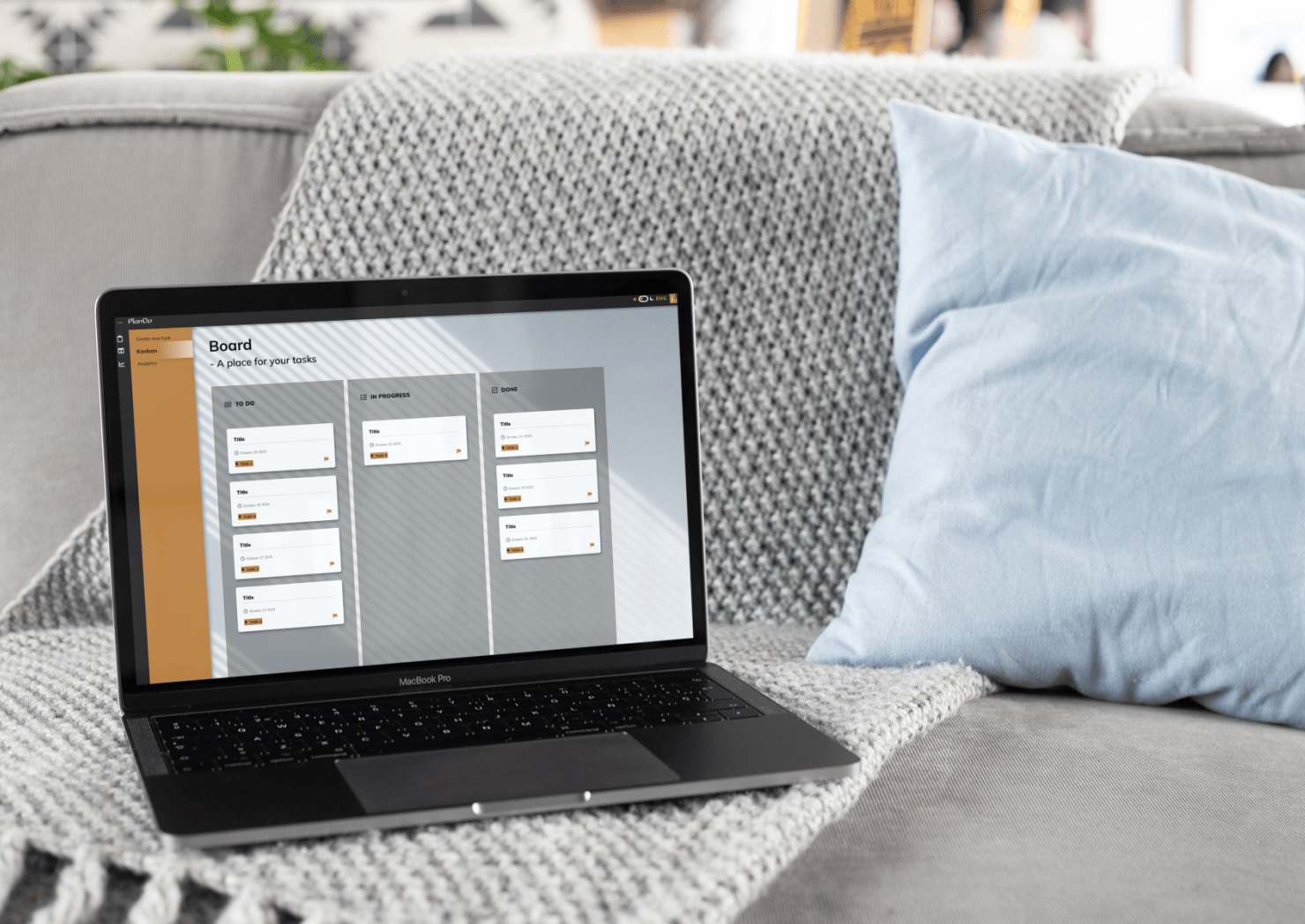
PlanDo is a web app that transforms everyday tasks into simple, actionable tickets. Whether it's a personal project, a work assignment, or a daily chore, the Kanban board section ensures that all the tasks are in one place and order. Users can easily drag and drop the tickets as per the phase they’re in.
After authentification and creating the account, users can set priorities, deadlines, and reminders to keep the tasks on track. To ensure that the user can follow his progress, there is a section called Analytics. PlanDo’s Analytics section offers a clear and concise overview of user’s task performance month by month.
The app has a theme switcher for light and dark mode users depending on the system settings and wishes, it is easy and customizable.
Color Palette
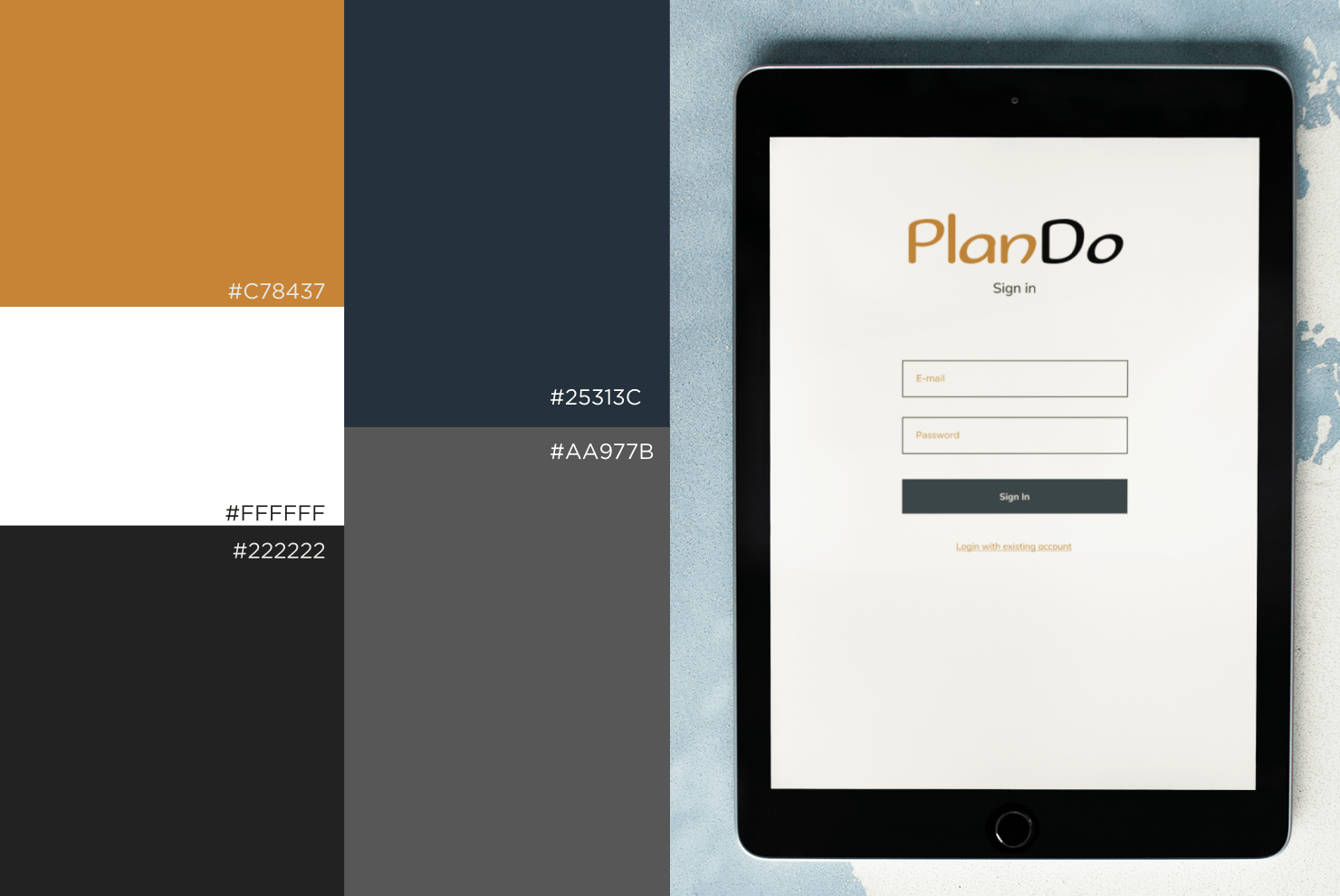
LIGHT MODE: The light mode colors that I’ve chosen here are bright, warm, and appealing and a users to increase productivity and motivation. All visual elements, such as graphics and illustrations are adjusted to complete the user-friendly approach.
DARK MODE: For the main dark theme color I've chosen a slightly different color tone, other than black. It is a darker ton of navy blue which is compatible with the orange tone of the Brand and has a good contrast to it.
Typefaces
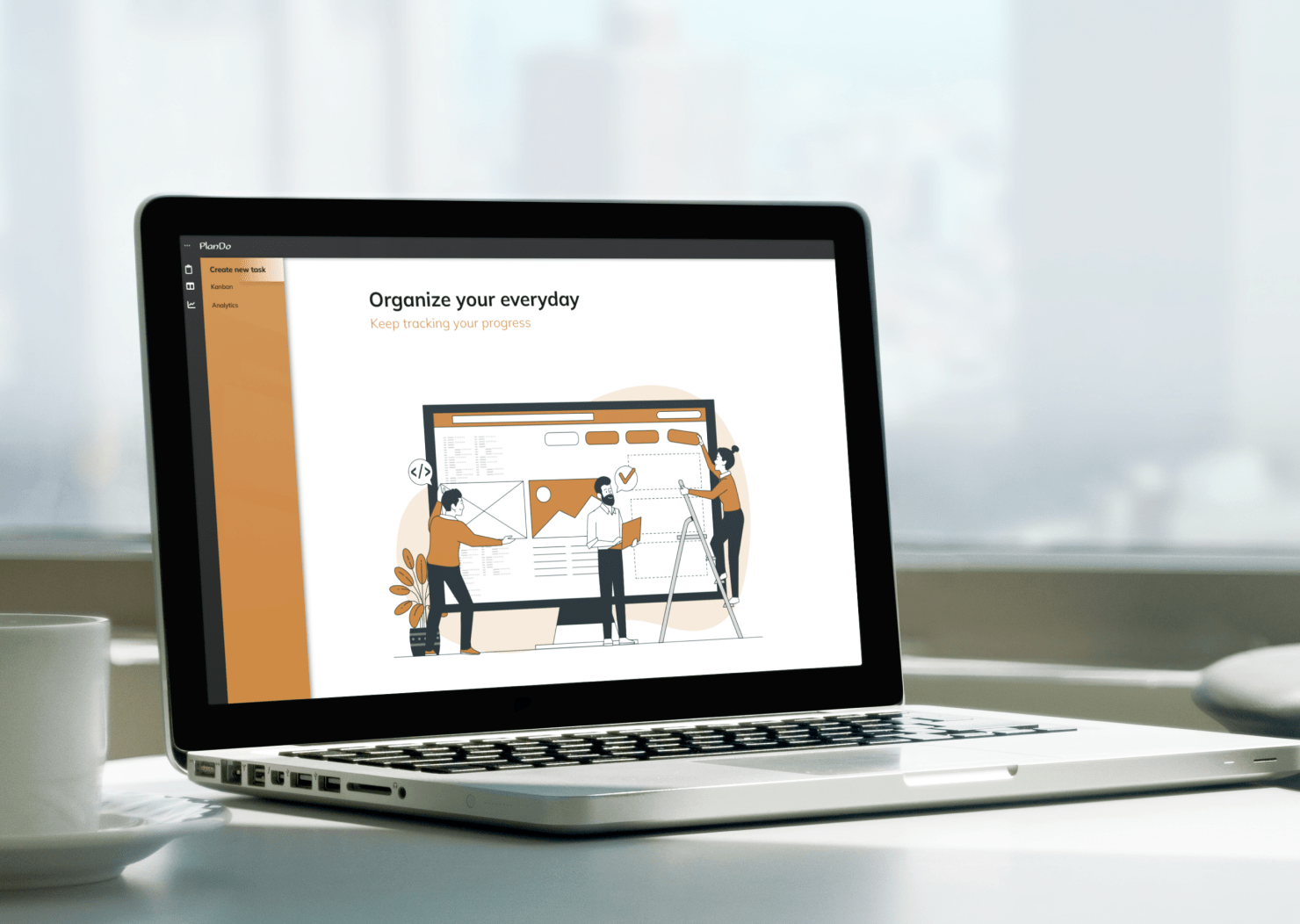
PlanDo is the organizing web app that’s supposed to be fun, user-friendly, and playful, so Sofadi One is the font I used for the brand itself. It suits its purpose perfectly here. For all other text, headings, paragraphs, and buttons, Mulish font ensures versatility and readability in both themes. It is modern, visualy appealing, versatile and trusted.
Key features:
DRAG AND DROP
KANBAN BOARD
THEME MODE SWITCHER
ANALYTICS
AUTHENTIFICATION


